You’re here to close deals, not configure complex user directories. Dealwize supports one-click Google single sign-on (SSO), secure email authentication, and automatic corporate domain matching so you can get from login to your pipeline in seconds.
1. Sign In with Google (Recommended)#
If your team runs on Google Workspace, you can sign in with one click without creating separate credentials:
- Head to app.dealwize.co/auth/login.
- Click Sign in with Google (Recommended).
- Select your work Google account.
[!TIP]
Automatic Team Detection: If your colleagues already have a Dealwize workspace for your corporate domain (e.g.@acmecorp.com), you will be automatically routed straight into your company's shared organization as a team member. No manual invite links required.
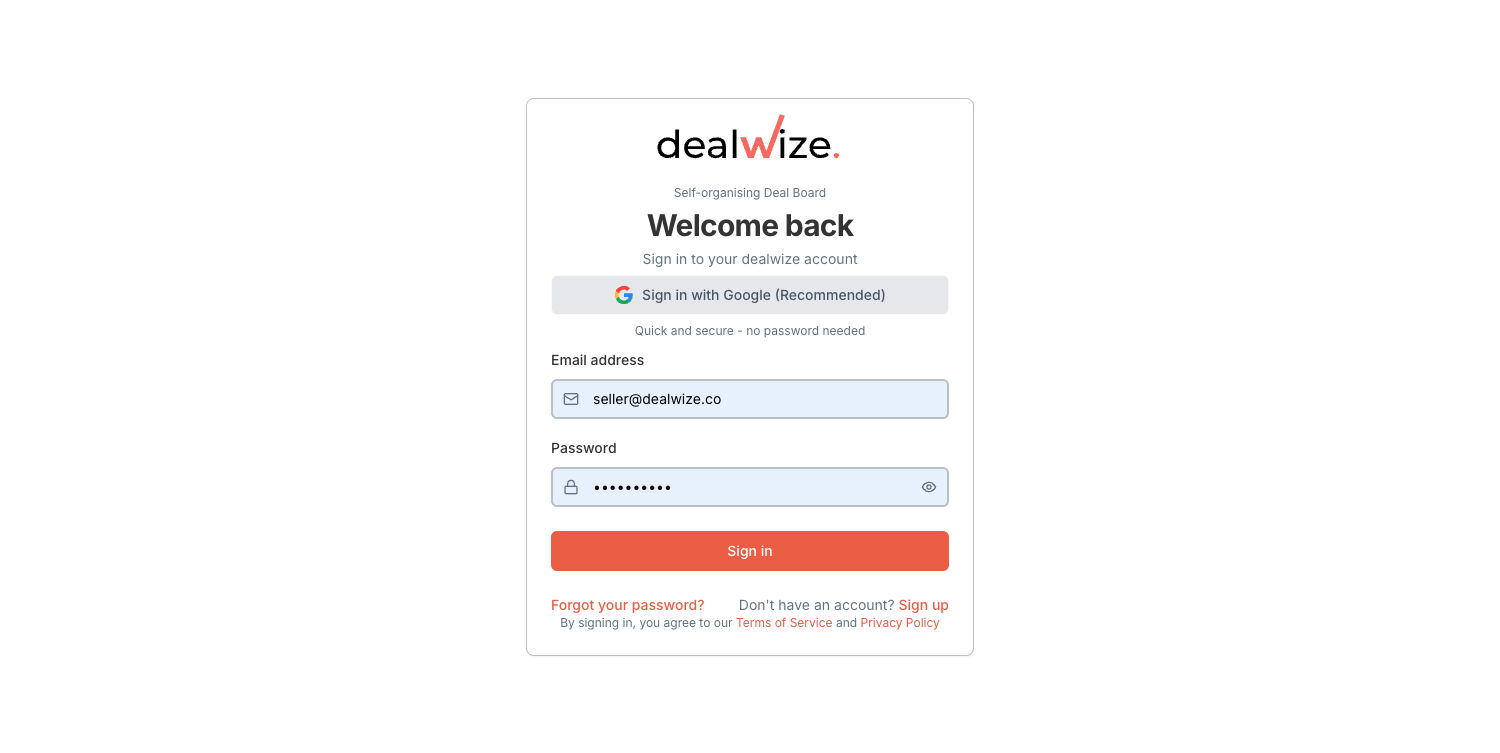
2. Sign In with Work Email and Password#
If you prefer using credentials directly:
- Enter your work email and password on the login screen.
- Click Sign In.
- Forgot your password? Click Forgot password? to receive a secure password reset link in your inbox.
Creating a New Account#
If your team is new to Dealwize:
- Go to app.dealwize.co/auth/register.
- Enter your name, corporate email, and password.
- Dealwize automatically provisions your organization and assigns your team workspace.
3. How Workspaces Work#
Dealwize provisions workspaces dynamically based on your email domain:
- Corporate Email Domains (
@yourcompany.com): If you are the first person from your company to sign up, Dealwize creates a shared company organization on a trial plan. When your teammates sign up with the same email domain, they automatically join your company's workspace. - Public Email Domains (
@gmail.com, etc.): If you register with a public address, Dealwize provisions a personal workspace for your individual deals. - Organization Administration: Organization administrators can manage company details and member seats under Settings > Organization.
4. Next Steps: Setting Up Integrations#
Once inside your workspace:
- API & Remote MCP: Head to Settings > Integrations to generate your
dw_live_...API key for connecting web AI agents or Cursor. - Inspect Your Deals: Forward your first call transcript to
agent@dealwize.coor paste it directly into the web analyzer.